Today, let's talk about a tool with a certain level of awareness in the market—Ghost Browser.
Strictly speaking, Ghost Browser is not a typical antidetect browser. Its design focuses on ease of use, primarily targeting beginners with no technical background who just want to manage a few accounts. For users who only need to handle occasional small tasks and basic session isolation, it is a handy and lightweight basic tool.
However, as the number of accounts grows or when facing stricter detection mechanisms on platforms, relying solely on tab isolation becomes insufficient. This article first provides an objective review of Ghost Browser, then compares it with 5 alternative tools.
TL;DR
Ghost Browser is suitable for non-technical users and can efficiently handle lightweight multi-tab account login.
If your business requires deep fingerprint isolation, independent proxy binding, team collaboration, or automation support, consider these 5 tools: Roxy Browser, Multilogin, GoLogin, NexBrowser, and Incogniton.
What is Ghost Browser?
Ghost Browser is essentially a Chromium-based multi-session browser, also known as a ghost web browser for multi-account scenarios. Its core value is not rebuilding the browser's underlying network stack but making "account organization" and "parallel login" more convenient than standard Chrome profiles. Ghost Browser's official page emphasizes its value in Workspaces, Identities, organizing sessions by tab or identity, Chrome extension compatibility, and low migration costs. For users accustomed to the Chrome ecosystem, this design is very intuitive because extensions, tab operations, and daily browsing habits require almost no relearning.

Many people first encounter Ghost Browser because standard Chrome profiles are not convenient for multi-account operations. Chrome profile switching is more like "switching the entire browser environment," while Ghost Browser integrates multiple identity sessions directly into one main workspace, improving management efficiency.
For customer service, QA, lightweight social media management, operational support, and daily productivity tasks, this experience still holds. The problem arises: Ghost Browser solves "managing multiple sessions more conveniently within the same browser," not "constructing a more complete, consistent, and harder-to-link browser profile for each account." If you no longer need simple multi-opening but deeper Profile Isolation, Proxy Binding, and Browser Fingerprint Consistency, then it's time to look for Ghost Browser alternatives.
Ghost Browser Review
Ghost Browser Advantages
Ghost Browser is better suited for lightweight tasks rather than high-risk, large-scale multi-account operations. Its biggest advantage remains its ease of use. The official homepage clearly emphasizes that it can quickly import Chrome extensions and existing work habits, which is important for teams unwilling to retrain.
A second advantage is the tab-level identity switching experience. Ghost Browser integrates Identities into the browser workflow, which is more convenient than repeatedly switching Chrome profiles or incognito windows.
A third advantage is extension compatibility. Many people searching for Ghost Browser extensions are not necessarily looking for a specific plugin but want to retain their existing Chrome plugin workflow. Ghost Browser indeed has practical value in this regard.
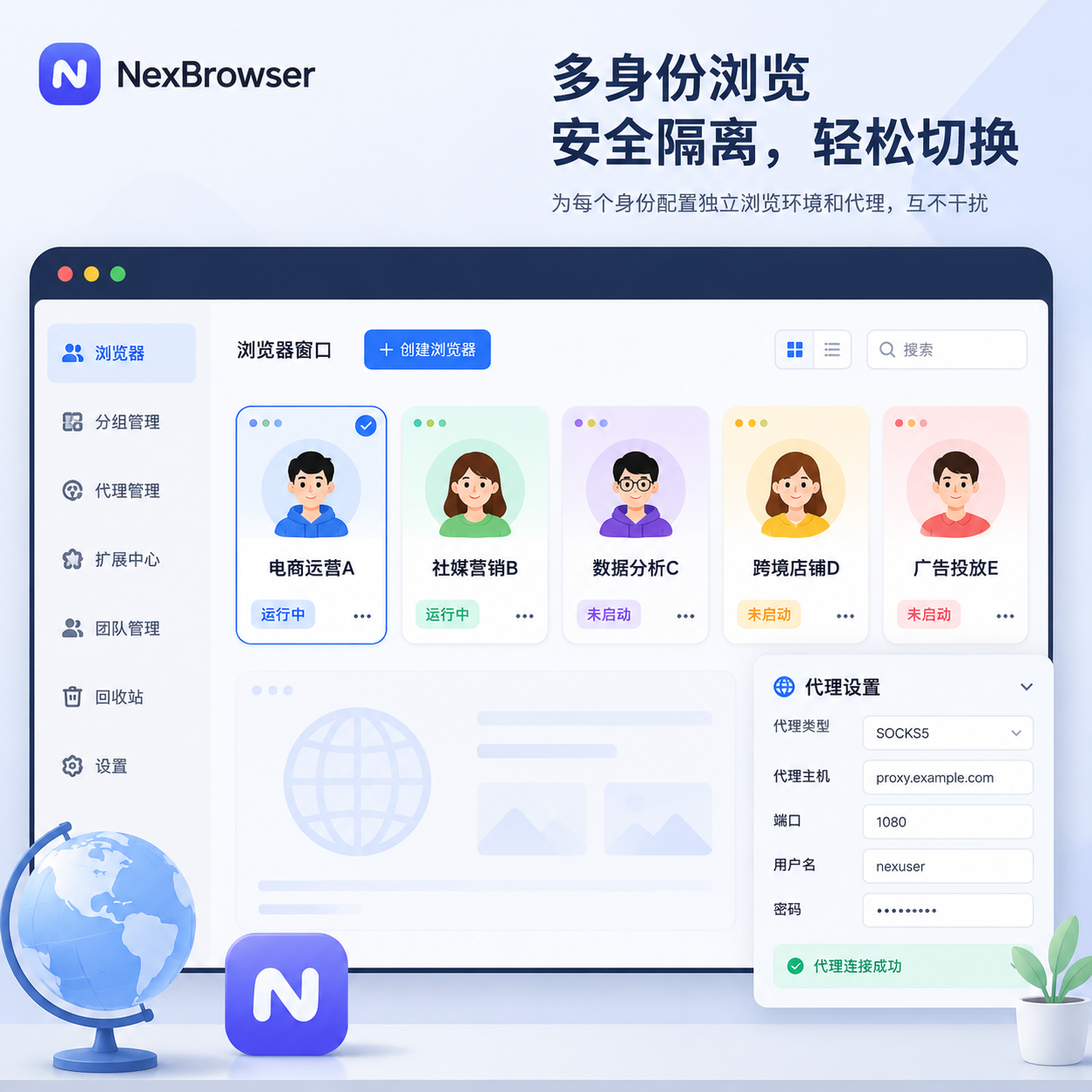
Looking at applicable scenarios, suppose a team only needs to manage 8 Facebook customer service accounts, a few Gmail test email accounts, and several Shopify backend accounts, and these accounts are mainly used for daily logins, replying to messages, viewing pages, and basic operations—not high-frequency registrations, automated batch operations, or cross-country proxy switching. Then Ghost Browser is usually sufficient. Its strengths are speed, lightness, and intuitiveness.
Ghost Browser Weaknesses in 2026
Ghost Browser's issue is not whether it can isolate cookies, but whether the isolation depth is sufficient to cover today's platform risk control. Ghost Browser's officially publicized features mainly emphasize Identities, Cookie Jar, proxy assignment, Chrome extensions, and team sync, indicating it performs well at the session level but does not focus on hardware-level or browser-underlying fingerprint management.
In other words, Session Isolation does not equal complete Fingerprint Profile management. For platforms, whether the same operator is recognized depends not only on whether cookies are separated but also on Canvas fingerprint, WebGL rendering features, WebRTC exposure, timezone language consistency, storage isolation, and behavior patterns.
A second weakness is friction in scaling operations. When the number of accounts increases from 5 to 50, you will start relying more on batch profile creation, templates, tags, bulk proxy import, permission slicing, and audit logs. Based on Ghost Browser's public product positioning, it is not designed around this heavy operational logic, so its ceiling appears earlier when a team upgrades from a personal efficiency tool to a standardized operation platform.
A third weakness is the proxy workflow. Although Ghost Browser Pro supports finer proxy assignment, compared to professional antidetect browsers, the binding of proxies to profiles, batch import, consistency management across regions, and long-term maintenance are still not smooth.
A fourth weakness is automation. Mainstream workflows in 2026 are not just manual clicking in the browser; many teams incorporate APIs, RPA, window sync, and even AI agents into the operational chain. According to the public page positioning, Ghost Browser is not strong in this area.
Is Ghost Browser an Antidetect Browser?
Strictly speaking, no. More accurately, Ghost Browser belongs to the category of multi-session browsers, not typical antidetect browsers.
The difference is not in the interface but in the design goal. Multi-session browsers prioritize solving "logging into multiple accounts simultaneously in one browser"; antidetect browsers prioritize solving "providing independent, stable, and logically consistent browser environments for each account."
The former leans towards Cookie Isolation and tab-level organization; the latter leans towards Fingerprint Spoofing, Proxy Binding, Profile Isolation, and Geolocation Alignment. This is why looking only at tab color coding, session grouping, and extension compatibility cannot answer whether Ghost Browser is an antidetect browser. If your core need is efficiency organization, Ghost Browser still has value; if your core need is reducing environmental overlap between accounts, you need to consider alternatives.
Breaking it down technically makes it clearer. Canvas API can export image data, often used by platforms to generate canvas fingerprints; RTCPeerConnection is a core WebRTC interface, mishandling can lead to IP exposure; IndexedDB API is part of the browser's local structured storage. True antidetect browsers focus on whether these signals are stable within the same profile, isolated across profiles, and matched with proxy IP, timezone, language, and device profile. Ghost Browser excels at "convenient multi-opening" rather than "underlying environment obfuscation."
Who Should Still Choose Ghost Browser?
Ghost Browser remains a cost-effective option for the following types of users.

First, individual users who only manage a small number of accounts, and the platform risk control for those accounts is not strict.
Second, small teams whose core need is to reduce back-and-forth logins and window switching.
Third, productivity-oriented users, such as customer service, QA, support, internal testing, site review, and channel operations.
Fourth, people who heavily rely on Chrome extensions but do not need deeper fingerprint control.
For example: a 5-person content team simultaneously maintains 12 social media accounts, but all accounts are from the same country, same business line, and same office network environment. They only need to avoid frequent logouts and mistaken account mixing, without large-scale automation or subcontracting to external proxy collaboration. Such teams usually find Ghost Browser more convenient than directly adopting a heavy antidetect browser.
But applying the needs of a lightweight team directly into a high-risk matrix operation tool list is incorrect. You should first confirm where the real risk comes from: if the main problem is the hassle of switching accounts, use Ghost Browser; if the main problem is account association, proxy confusion, cross-team sharing, and batch operations, then consider alternatives.
Who Should Consider Alternatives?
When your business begins to rely on cross-regional proxies, multiple independent account environments, long-term stable profile accumulation, multi-person division of labor, and automated workflows, Ghost Browser is usually no longer the best choice.
The most typical users include affiliate marketing teams, SEO teams, social media matrix operators, e-commerce multi-store managers, distributed proxy teams, and large institutions that need to standardize account operations. The key here is not "whether the number of accounts is large," but "whether accounts must be seen as independent by the platform." As long as the answer is "yes," you should care more about fingerprint consistency, IP consistency, and long-term environment reusability rather than the convenience of tab switching.
If you are already seeing the following signals, it is time to switch tools: account scale continues to grow, proxy management becomes increasingly messy, multi-person collaboration begins to rely on shared environments, the same batch of accounts need to retain independent profiles long-term, or you are already preparing interfaces for batch profile creation, templates, and automation.
A common failure scenario: a team places 20 accounts on the same device, only switching tabs and cookies, but proxies are not bound per profile, and timezone and language are not synchronized with the proxy region. The result is that login may not immediately fail, but as behavior accumulates, accounts are more prone to verification, throttling, or restricted states. The correct approach is not to pile on more extensions but to switch to a Ghost Browser alternative that can simultaneously manage profiles, proxies, permissions, and automation.
What to Look for in a Ghost Browser Alternative?
Ghost Browser alternatives are not just about comparing "how many tabs can be opened" but about "whether each account can be turned into an independent, stable, and repeatable scheduling environment." The criteria can be broken down into 6 dimensions.
First, Fingerprint Protection. Cookie isolation is just the starting point, not the end. Platforms cross-check Canvas fingerprint, WebGL metadata, WebRTC leaks, timezone, language, screen parameters, font enumeration, and persistent storage. It is not enough to just change User-Agent while other parameters remain the device's defaults. Canvas, WebGL, language, timezone, proxy region, and storage within the same profile should be self-consistent, while different profiles should maintain differences.
Second, Proxy Integration. Proxies are not just "fillable in a field"; they must be bound to profiles, aligned with regional settings, and compatible with team workflow. 20 accounts sharing one rotating proxy, appearing in Germany today and the US tomorrow, is incorrect. You should bind fixed regional SOCKS5 or residential proxies for high-value accounts, and synchronize the browser's timezone, language, and currency preferences to the same region.
Third, Profile Management. Once your business exceeds 30 accounts, you will clearly feel the importance of templates, groups, notes, tags, and batch editing. Without these capabilities, operational costs will rise quickly.
Fourth, Extension Compatibility. Many Ghost Browser users hesitate to migrate because they fear breaking their existing plugin chain. A qualified alternative should allow you to retain Chrome-like workflows rather than forcing a complete relearn.
Fifth, Team Collaboration. Multi-person projects require not just shared login states but permission granularity, member roles, project spaces, operation traces, and cross-device synchronization.
Sixth, Automation. Advanced users in 2026 already integrate APIs, RPA, window sync, scripts, or AI agents into a unified chain. You may not use automation every day, but when account scale grows, whether automation can be integrated directly determines future expansion costs.
Finally, Pricing and Scalability. Many products' entry prices are not high, but when profiles increase from 10 to 300, members from 1 to 10, and proxy traffic and API quotas are added, the real cost structure changes completely. When judging pricing, do not just look at the lowest homepage price; instead, look at whether the starter price includes enough profiles, whether team seats are extra, whether APIs are rate-limited, whether proxies are built-in, and whether scaling is linear. For long-term business users, a stable scaling solution is more valuable than a "cheapest first month" option.
Top 5 Ghost Browser Alternatives Worth Watching in 2026
1. Roxy Browser
Roxy Browser is the top priority for evaluation. It is more like a professional upgrade path than a single-point replacement tool. In other words, it is suitable not for users who simply want to "replace Ghost Browser with another browser" but for those who already clearly need independent profiles, proxy binding, team permissions, and automation interfaces. According to public statements on Roxy Browser's homepage, features page, and changelogs, it supports independent fingerprint environments (can modify 210+ parameters at the underlying level), a proxy panel, Window Sync, API Flow, team permission spaces, and MCP protocol integration. It also features an AI smart co-pilot, easily controlling over 100 windows.
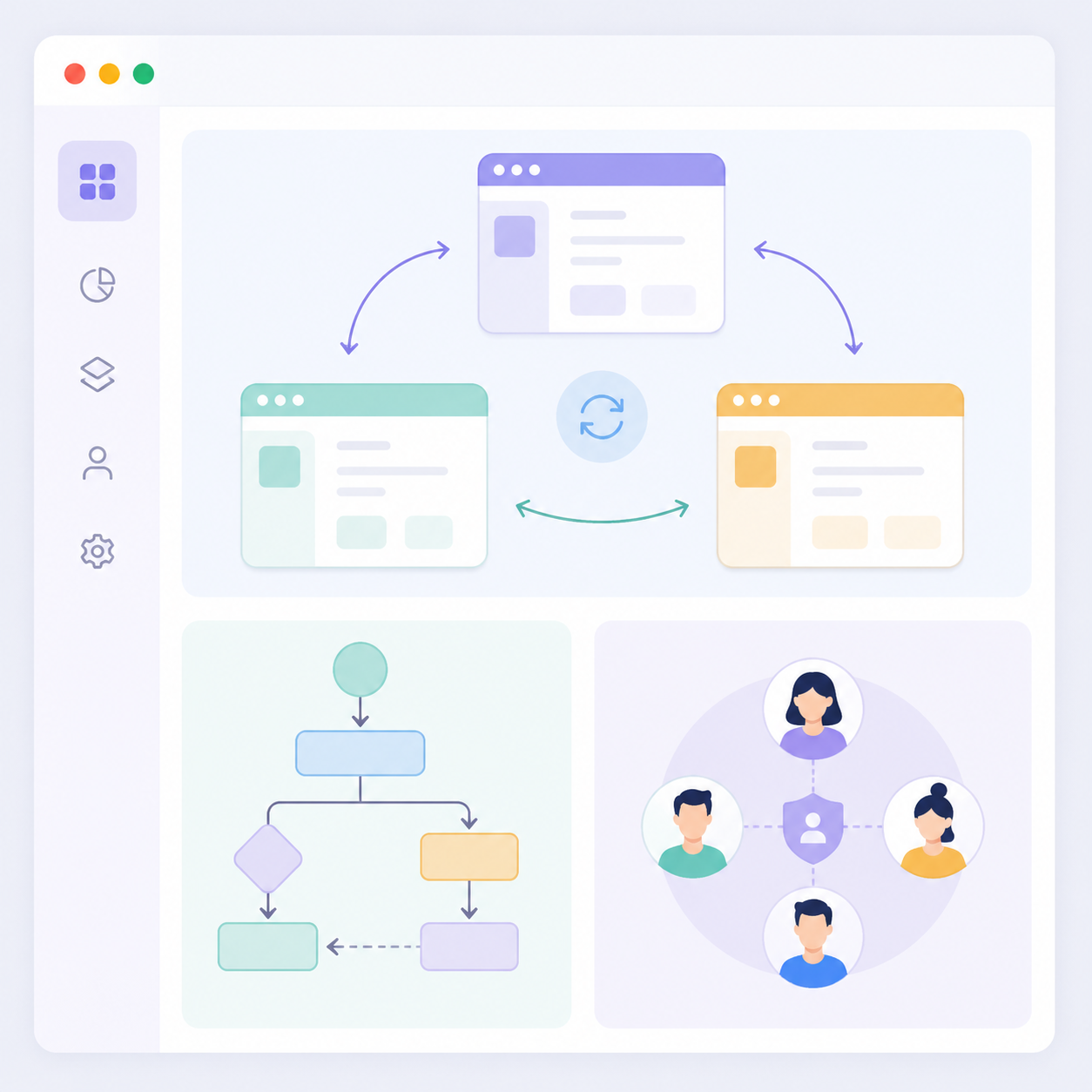
The official update logs also show that it already supports a 146-version Firefox kernel (RoxyFirefox), adding a new environment path beyond Chromium, which is crucial for teams needing richer browser profiles.
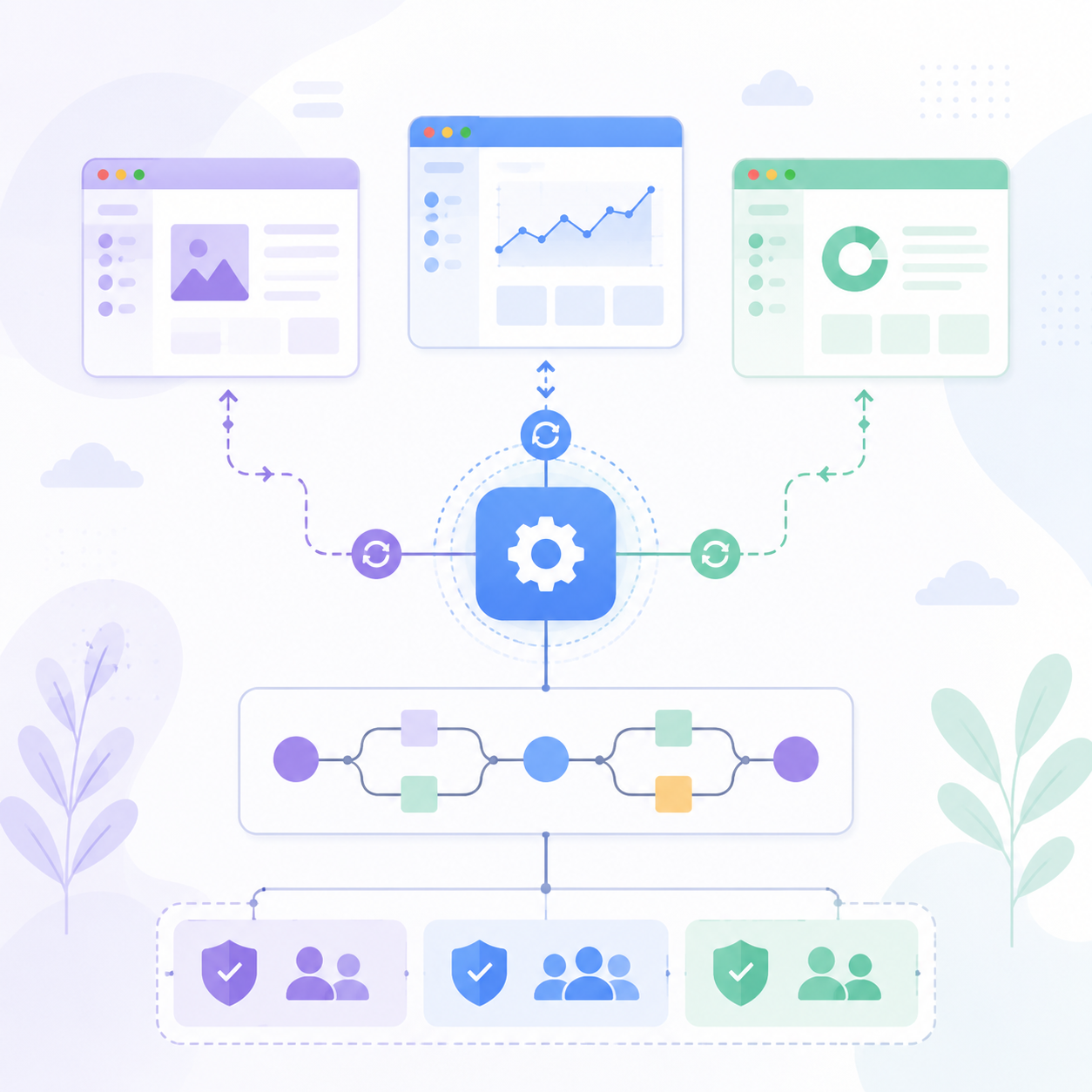
From the public product positioning, it stands out over Ghost Browser in three key aspects. First, fingerprint and profile layer. Ghost Browser leans more towards session management; Roxy Browser leans more towards complete environment management.
Second, proxy layer. It tightly integrates profile creation, proxy configuration, and RoxyIP. It has a self-operated built-in IP library with over 90 million dedicated clean nodes, completing the process from selecting IP to binding the browser environment in just 30 seconds, ideal for high-frequency binding scenarios.

Third, automation layer. Roxy Browser has publicly documented MCP integration in its official documentation and blog, allowing you to connect AI agents, APIs, and browser actions rather than staying at manual multi-opening. For those needing multi-account management, this upgrade is not just "adding a feature" but transforming the browser from an operation interface into a scheduling platform.
Its most suitable scenarios include SEO teams, social media matrices, e-commerce multi-stores, affiliate marketing, and professional users preparing to incorporate automation into workflows. Publicly visible features include: AI scheduling supporting MCP protocol, profile templates, proxy panel, window sync, team spaces, API access, and environment diversity from Firefox 146 and Chromium running in parallel. Advantages include a complete functional structure, clear upgrade path, and natural scaling to team and automation. Disadvantages include a slightly higher learning curve than Ghost Browser if you only occasionally switch two accounts.
Roxy Browser's official pricing page shows a free version with 5 profiles and a one-time 7-day premium trial; paid plans are tiered by profile count, offering high cost-performance. If you need more than account switching—upgrading from cookie isolation to a more complete fingerprint browser workflow—Roxy Browser is the top choice. Roxy Browser's value is not just in "multi-opening" but in placing AI 调度 + 指纹环境管理 + 代理资源 + 团队权限 into a continuous workflow.
2. Multilogin
Multilogin is clearly positioned more towards enterprise and team collaboration than Ghost Browser. If your primary issue is not "how to multi-open more cheaply" but "how to manage browser environments, team permissions, and cloud resources as enterprise assets," it will be closer to your answer. It does not just do browser profiles; it incorporates Cloud Phone, Remote Phone, Cloud Android Emulator, and Multi-account Browser into one platform.

According to the official homepage's public positioning, it targets social media management, multi-account operations, automation, and cross-device collaboration, offering API documentation, team seats, and more complete cloud capabilities. For large teams, the value of such a platform is not in "whether the browser can open" but in "whether account assets, team permissions, and mobile environments can be managed uniformly."

From the public product positioning, it stands out over Ghost Browser primarily in collaboration depth. Although Ghost Browser mentions data sync and team sharing, Multilogin integrates team seats, APIs, cloud phones, and browser profiles into one management logic from the product level.
Second, scalability. The official pricing page shows Multilogin offers a 3-day $2 trial, with Pro tier starting at 10 profiles, Business tier scaling higher, and different amounts of proxy traffic and mobile minutes included. This means it is not a single-point tool but more like an enterprise-level multi-account infrastructure. Additionally, Cloud Phone capabilities make it more attractive for mobile business, social media app operations, and teams needing real Android environments.
Its main advantages are mature team collaboration, clear APIs, strong mobile capabilities, and clear scaling paths. Main disadvantages include pricing that feels more like enterprise software, perhaps not cost-effective for single light users; and a wider product scope than Ghost Browser, leading to higher learning costs and deployment complexity.
If you are looking for team permissions, cloud devices, and enterprise-scale solutions, MultiLogin is closer to a complete platform than a single browser.
3. GoLogin
GoLogin has always been a highly discussed alternative to Ghost Browser because it combines "core antidetect browser capabilities" with "relatively acceptable starting costs." It is more suitable for users who have confirmed Ghost Browser is insufficient but are not yet ready to jump into heavier, more expensive enterprise platforms. According to the official homepage's public positioning, it targets single-device multi-account management, supporting team sharing, built-in proxies, mobile fingerprints, Selenium and Puppeteer integration, and API capabilities.
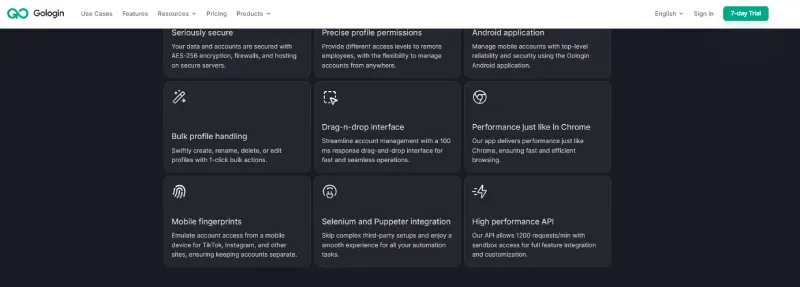
From the public product positioning, it stands out over Ghost Browser in four main aspects. First, deeper fingerprint management, not just cookie and tab isolation. Second, a more mature proxy workflow, allowing import of own proxies or use of built-in proxies. Third, more direct team sharing, suitable for remote collaboration. Fourth, clearer automation interfaces, suitable for incorporating browsers into batch workflows. For SEO teams, affiliate marketing, or small-to-medium e-commerce teams on a budget, this "cost-controlled but not entry-level" combination is very attractive.

Its advantages include relatively low price threshold, mature product, high community awareness, and well-integrated automation and proxies. Disadvantages include not being as detailed in enterprise governance, permission cutting, and complex processes as heavier enterprise platforms; if you only need Chrome-like lightweight experience, it will be more complex than Ghost Browser. As of June 29, 2026, GoLogin's official pricing page offers a free entry; formal plans are tiered by Professional and Business. If you want to enter the standard antidetect browser workflow with a lower budget, Gologin is usually a more direct step than Ghost Browser.
4. NexBrowser
NexBrowser's product logic is very clear: it is not designed around "lightweight browser efficiency" but around "scalable environment management + automated execution." If you



Comments(0)