The Preferred Browser for Cross-Border Professionals: NexBrowser Fingerprint Browser
NexBrowser is a professional fingerprint browser renowned for its excellent functionality and security, hailed as the essential NexBrowser for going global. Its core use case is NexBrowser cross-border multi-account security management, providing isolated, clean multi-store and multi-account operating environments to effectively prevent account association risks. Whether engaged in advertising, affiliate marketing, or social media promotion, NexBrowser enhances marketing efficiency and reduces operational costs. By simulating different browser fingerprint information, it creates a secure online space for users, ensuring privacy and data integrity.
Click here for a free trial of NexBrowser
Features of NexBrowser Fingerprint Browser
1. Privacy Protection
Multiple Browser Fingerprint Parameter Management
NexBrowser's core capability lies in generating browser profiles with unique fingerprint information. By simulating differentiated browser fingerprint data, it builds a security barrier for accounts, preventing unauthorized access and data leaks. You can freely operate across multiple accounts without privacy concerns.
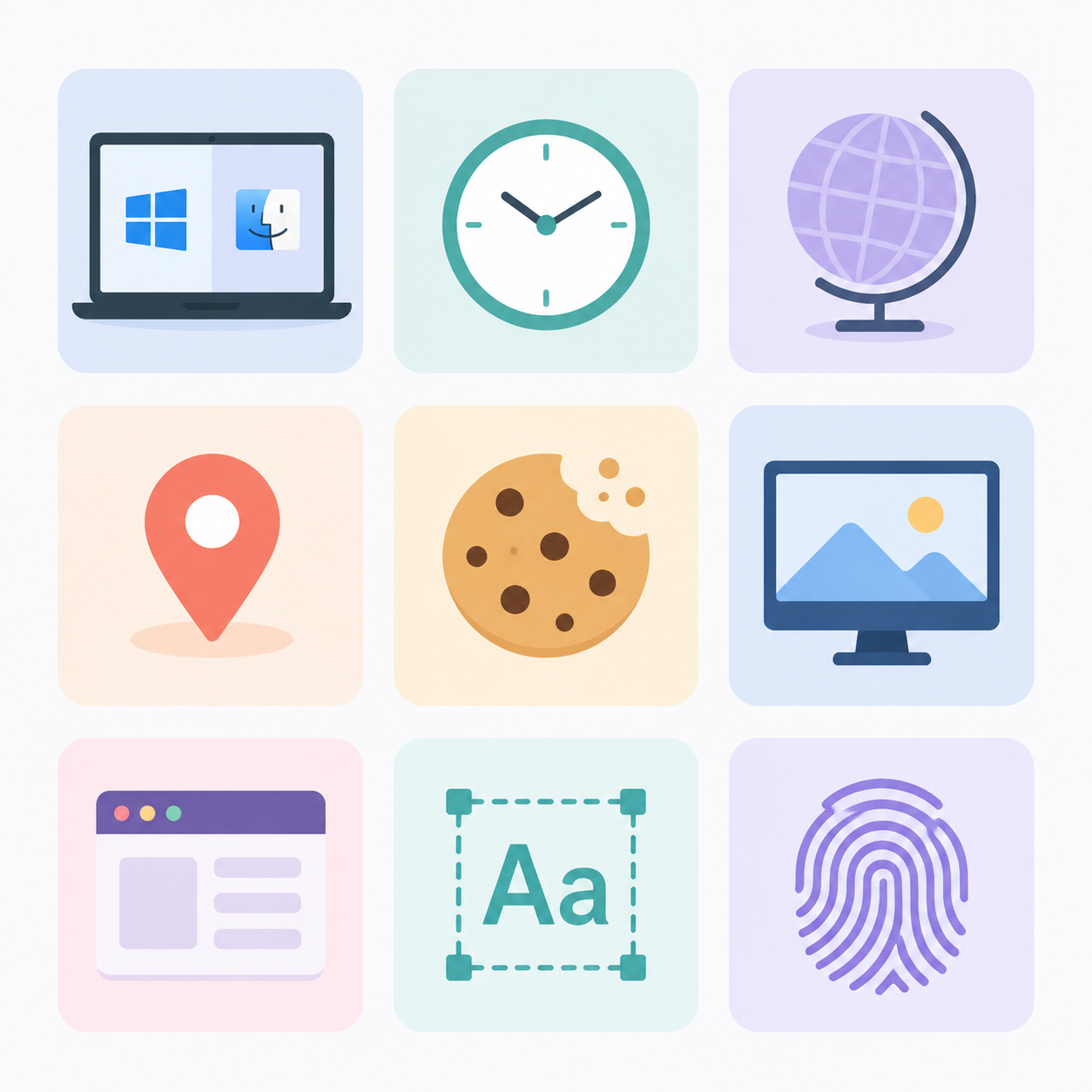
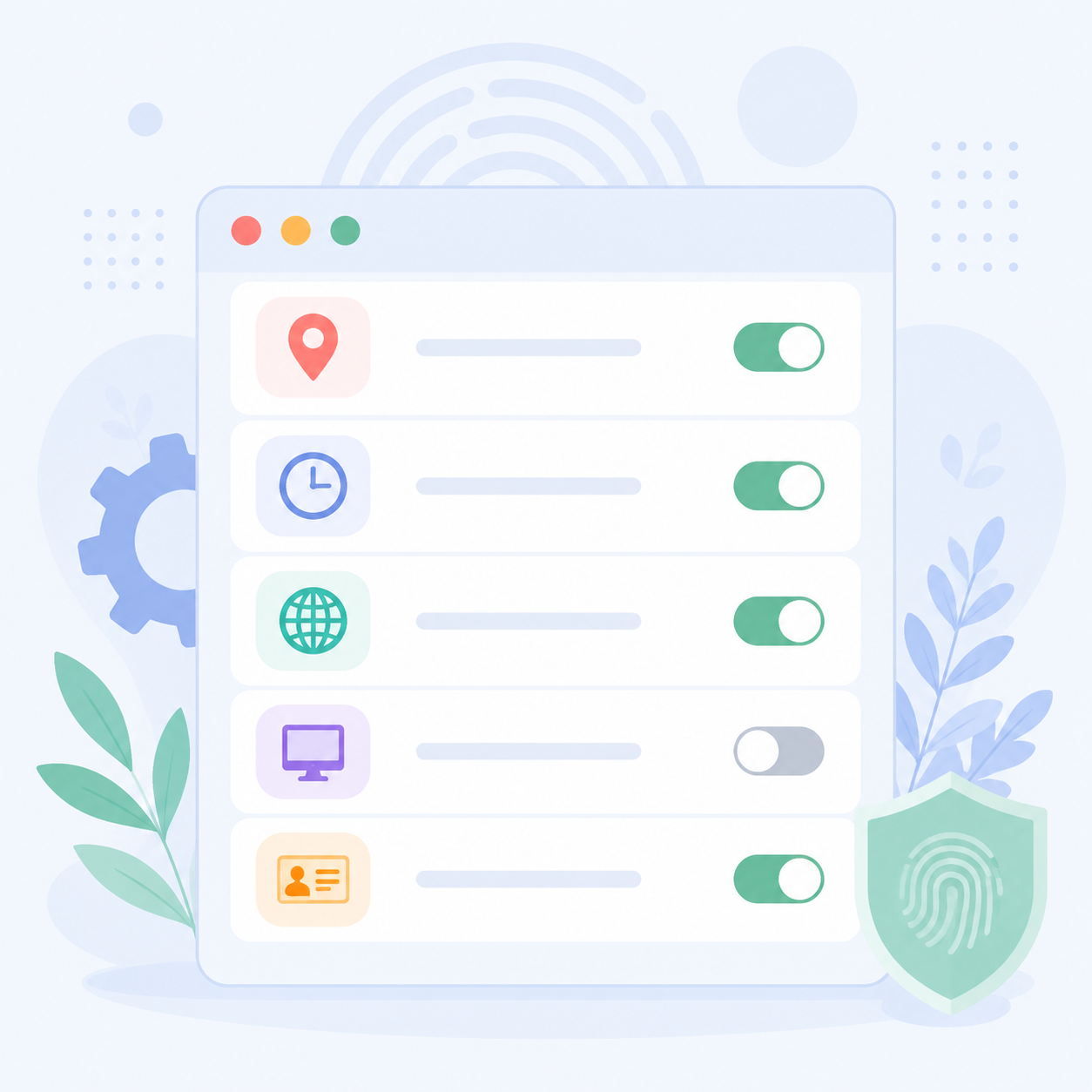
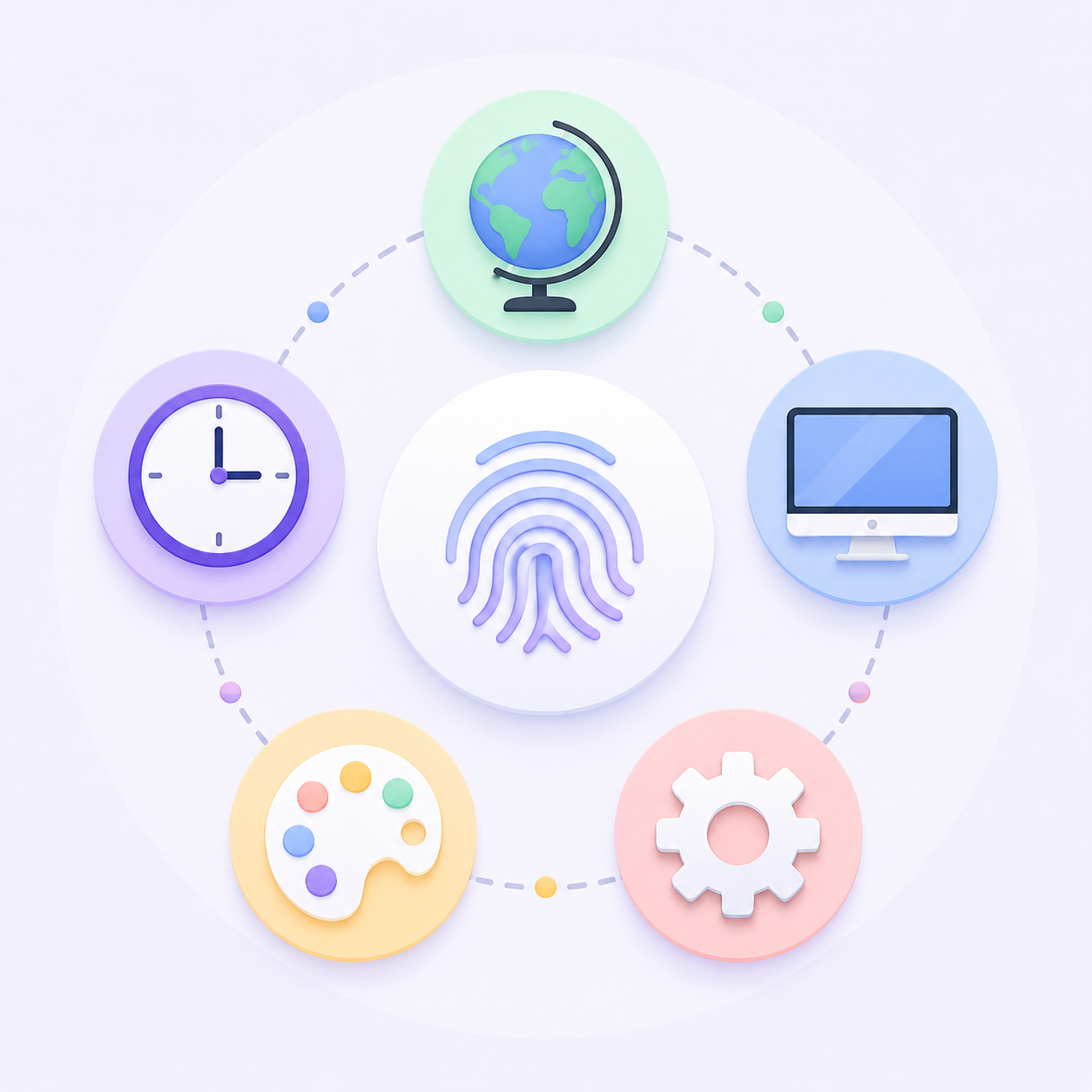
When simulating different browsing environments, NexBrowser allows setting and adjusting over 20 browser fingerprint parameters, such as:
- Operating System (Windows, macOS, Linux, iOS, and Android mobile fingerprint)
- User-Agent
- Cookie
- Timezone
- WebRTC
- Geolocation
- Language
- Screen Resolution
- Fonts
- Canvas
- WebGL
- MAC Address
Dual-Core Browser for Enhanced Security
NexBrowser comes with two core browsers: SunBrowser (Chromium-based) and FlowerBrowser (Firefox-based), offering greater flexibility in privacy protection and simulating different user environments.
- SunBrowser:
SunBrowser is based on the open-source Chromium project, which also powers popular browsers like Google Chrome and Microsoft Edge.
However, unlike Chrome, SunBrowser does not send user data back to Google, further strengthening privacy protection. It additionally integrates browser fingerprint management, allowing users to change device fingerprint parameters independently, reducing tracking risks.
Even though SunBrowser prevents data from being sent to Google, it remains compatible with Google accounts, which is crucial for users relying on Google services.
- FlowerBrowser:
FlowerBrowser is based on Mozilla Firefox, inheriting Firefox's emphasis on online privacy, and further enhances browser fingerprint management capabilities.
FlowerBrowser provides stricter tracking protection and fingerprint spoofing features, thereby improving user security and anonymity online.
2. Multi-Account Management
Account Isolation
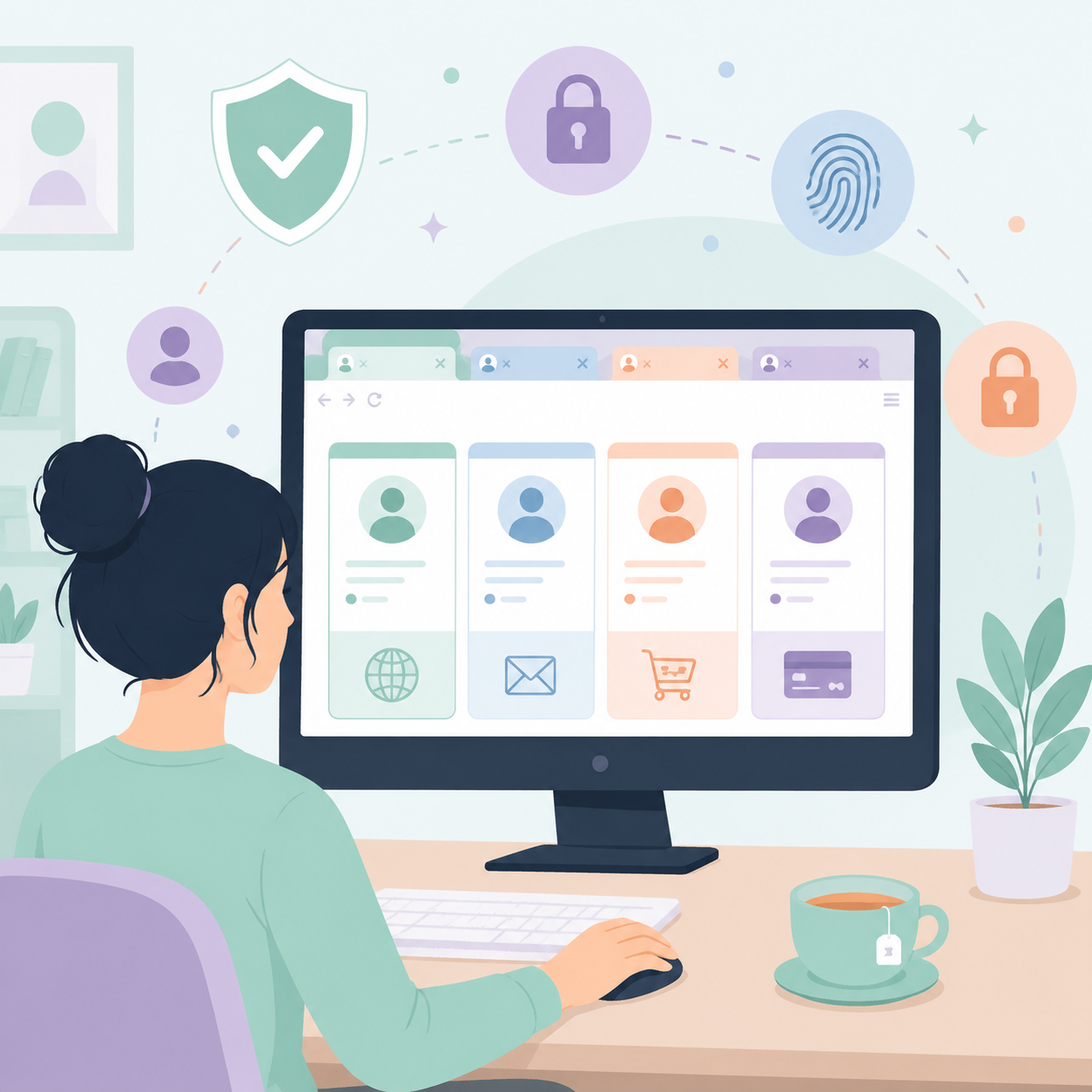
In cross-border e-commerce, managing multiple accounts is a routine requirement. For users who need to operate multiple online accounts simultaneously, NexBrowser fingerprint browser assigns independent browsing environments to each account, covering cookies, cache, and browsing history, making them appear as if logged in from different devices. This ensures accounts do not interfere with each other and reduces the risk of platform detection.
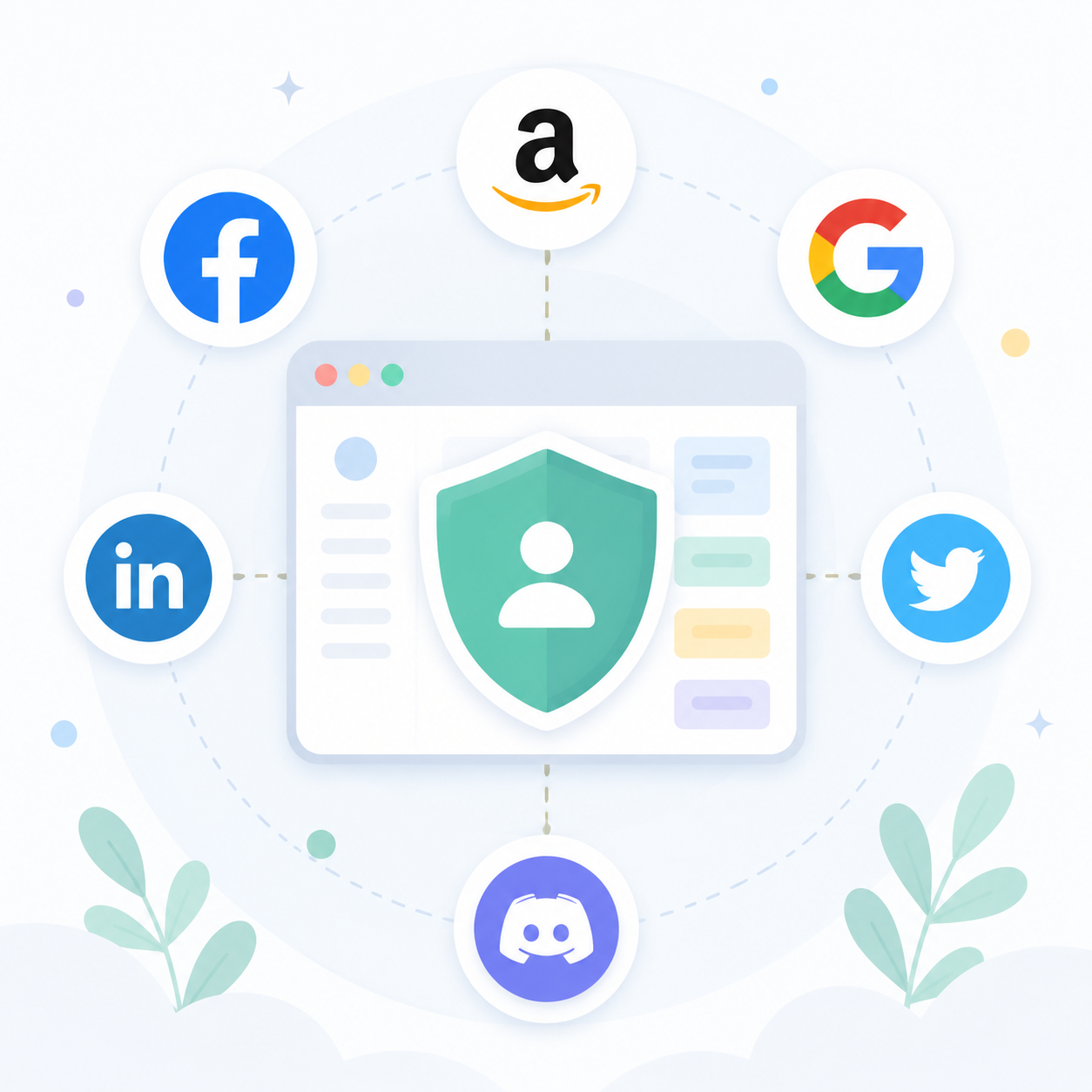
NexBrowser supports managing accounts on any overseas platform and social media, including but not limited to Amazon, Facebook, Google Ads, LinkedIn, Twitter, Discord, etc.
Efficient Management
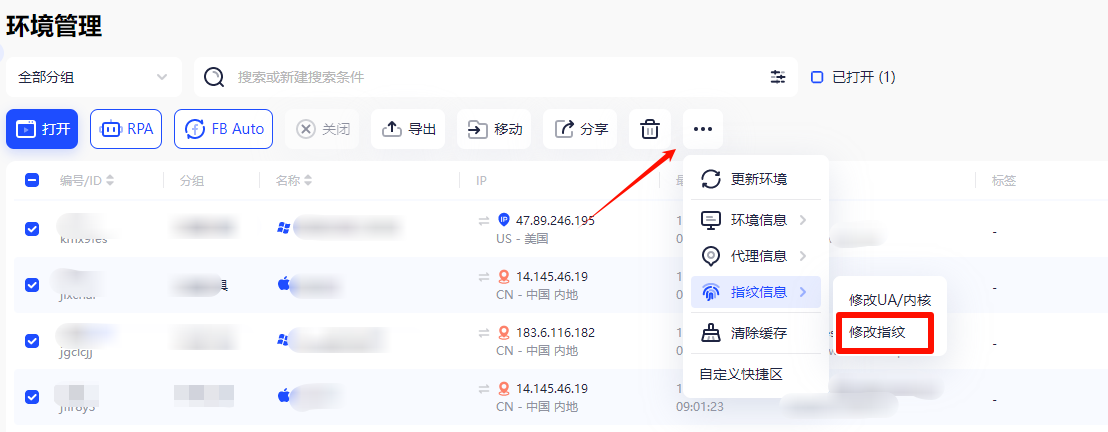
With NexBrowser fingerprint browser, multi-account management becomes highly efficient. It supports batch environment management, helping users create multiple accounts at once and easily manage a large number of accounts. Additionally, you can batch modify browser fingerprints and update environment information by simply selecting the desired environments. Through programmatic methods, you can quickly batch create and change accounts, saving repetitive clicks and significantly improving work efficiency.
3. Proxy IP Configuration
Supporting Main Proxy Types
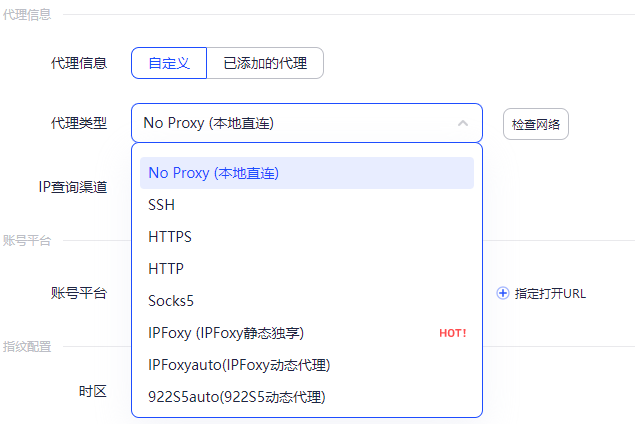
NexBrowser fingerprint browser is compatible with multiple mainstream proxy types to meet different usage scenarios. Whether you need HTTP, HTTPS, or SOCKS proxies, it fully supports them.
You simply choose a proxy service according to your business needs and configure it in NexBrowser to ensure the proxy functions properly. You can flexibly set independent proxy IPs for different accounts, achieving one account per IP, thereby ensuring connection stability and security.
If you encounter issues during proxy configuration, feel free to consult our help documentation.
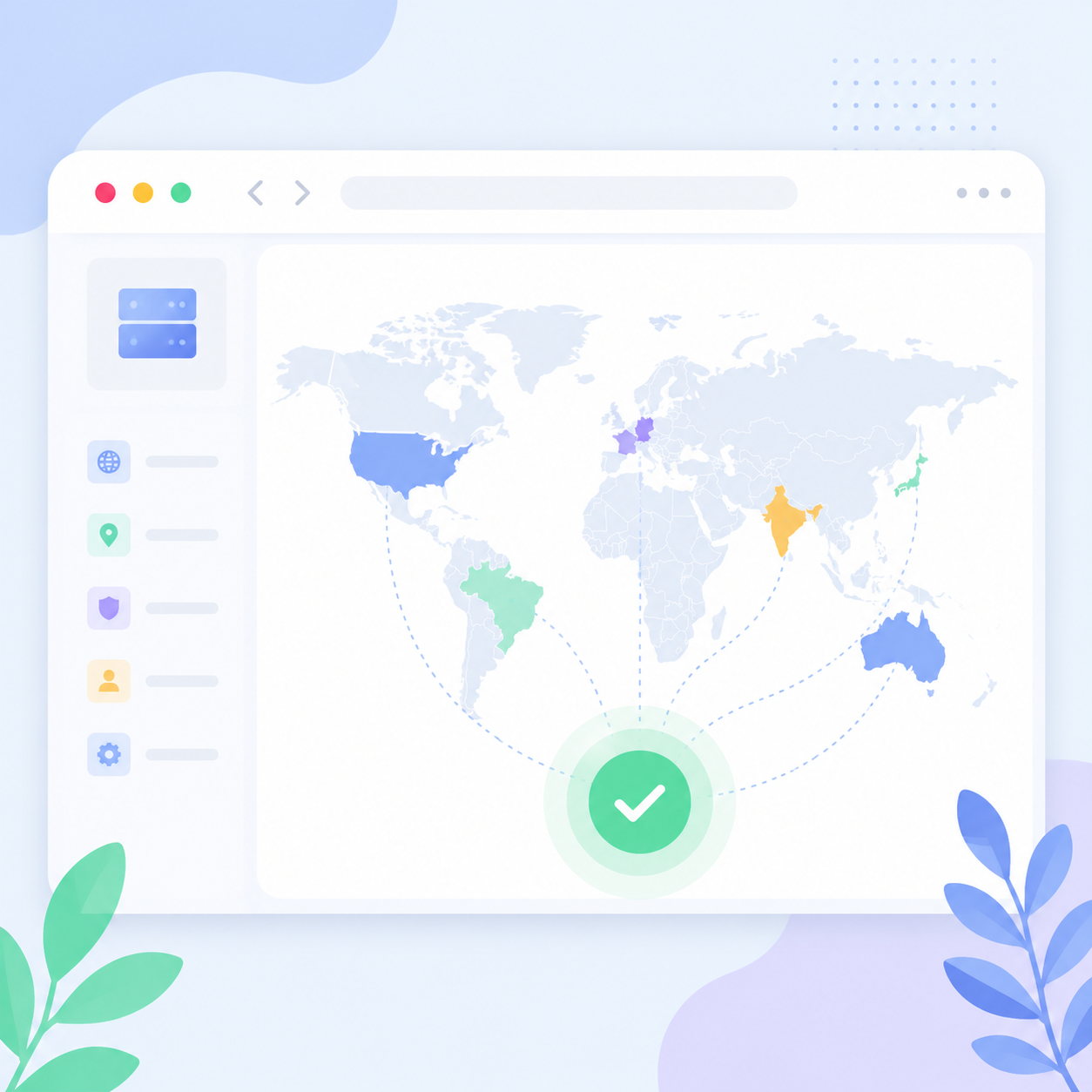
Automatic Matching of Dynamic Proxies
To simplify operations, NexBrowser fingerprint browser offers automatic matching of dynamic proxy IPs. It integrates several well-known proxy service providers, such as Bright Data and Oxylabs. Users only need to specify the target country, and NexBrowser will automatically retrieve and match the best proxy IP from the proxy pool.
4. Browser Automation
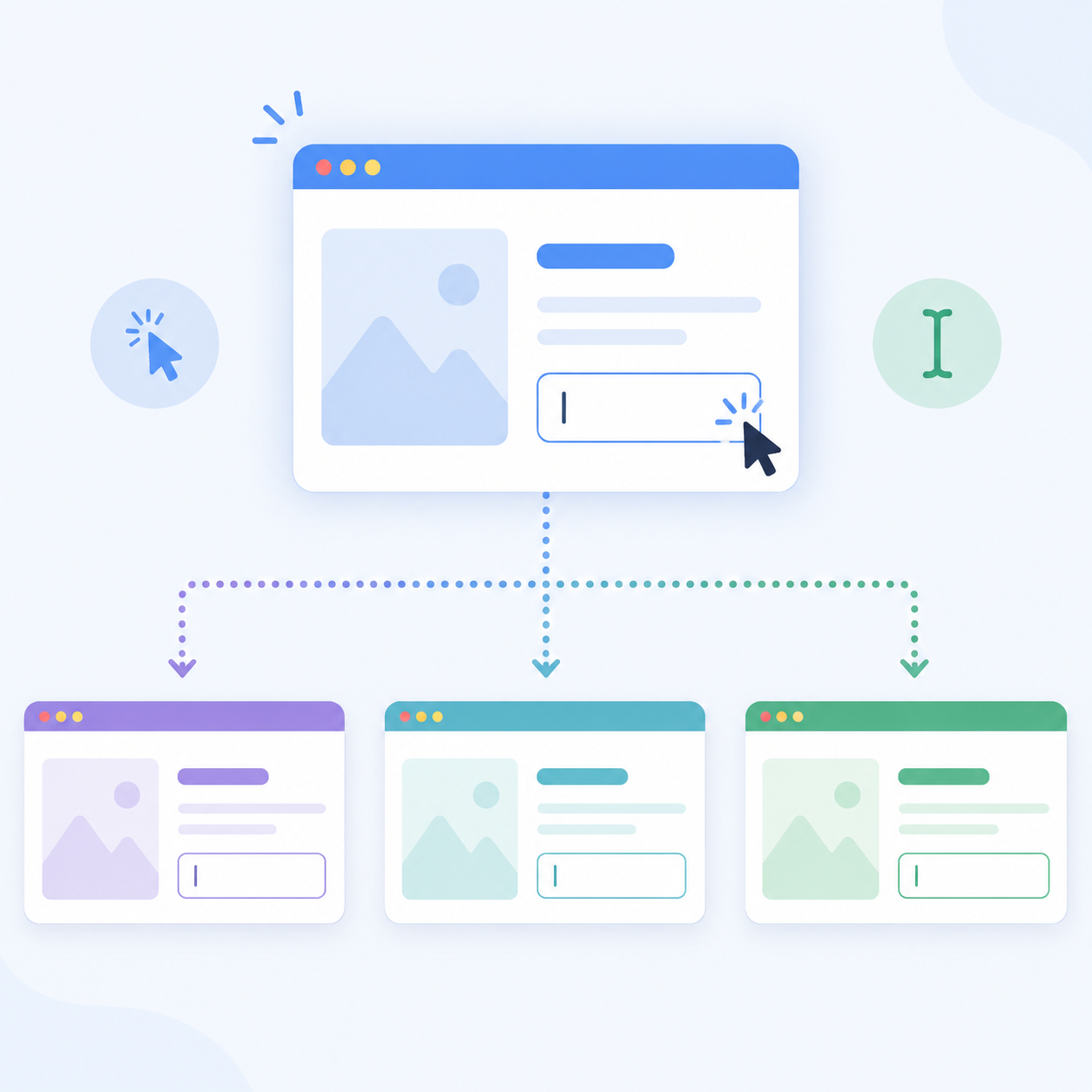
In cross-border e-commerce, repetitive tasks often consume significant effort. NexBrowser fingerprint browser handles these effortlessly through no-code automation (RPA), enabling automation even without programming skills.
You can use the local API or RPA robot to automatically perform routine operations such as clicking, scrolling, entering text on web pages, and batch creating or changing accounts.
NexBrowser also provides RPA automation templates for various overseas platforms, covering posting tweets, liking, commenting, Amazon review scraping, YouTube video watching, and more. This saves time and improves work efficiency.
NexBrowser's Efficient Browser Automation Feature


Click to view the RPA User Manual
5. Window Sync
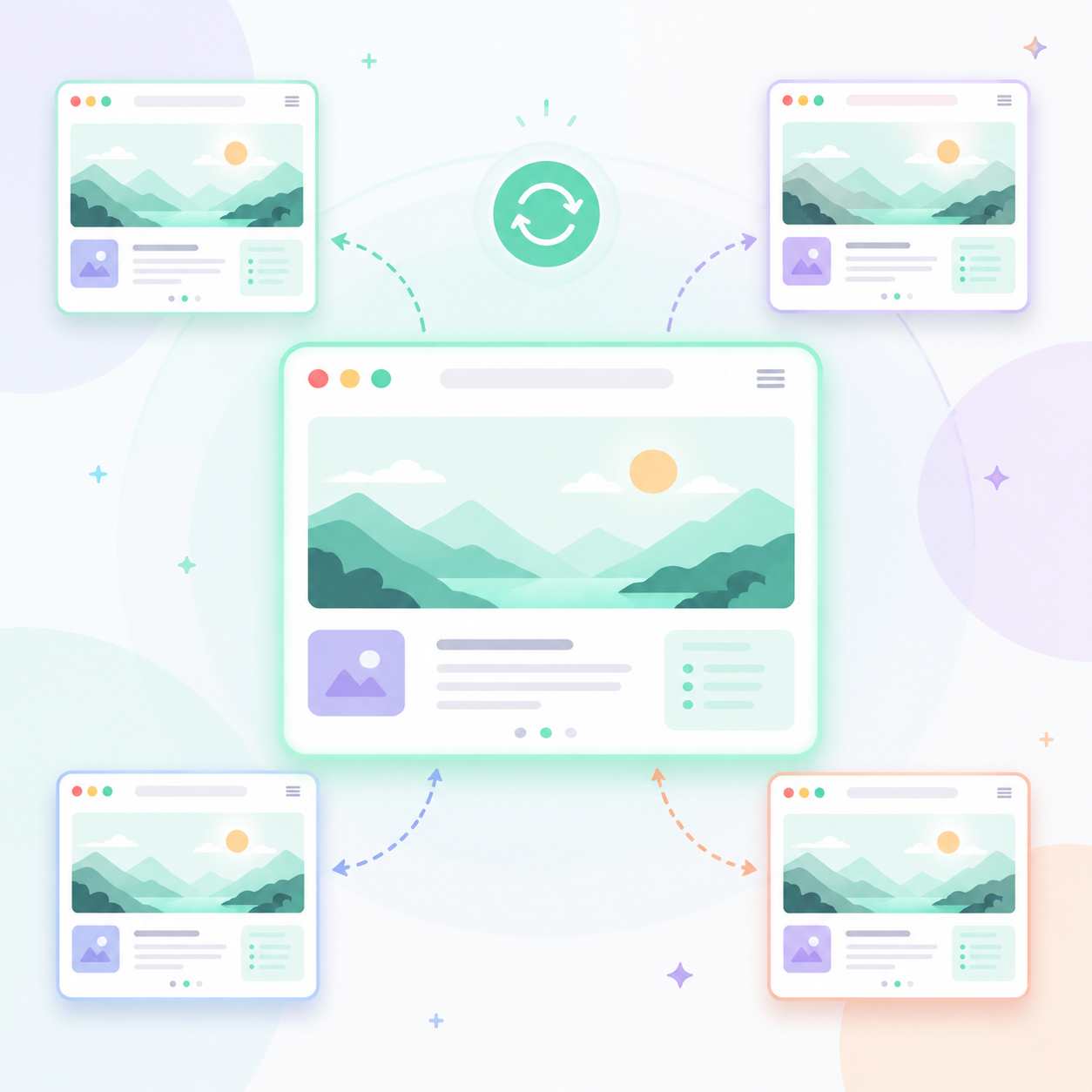
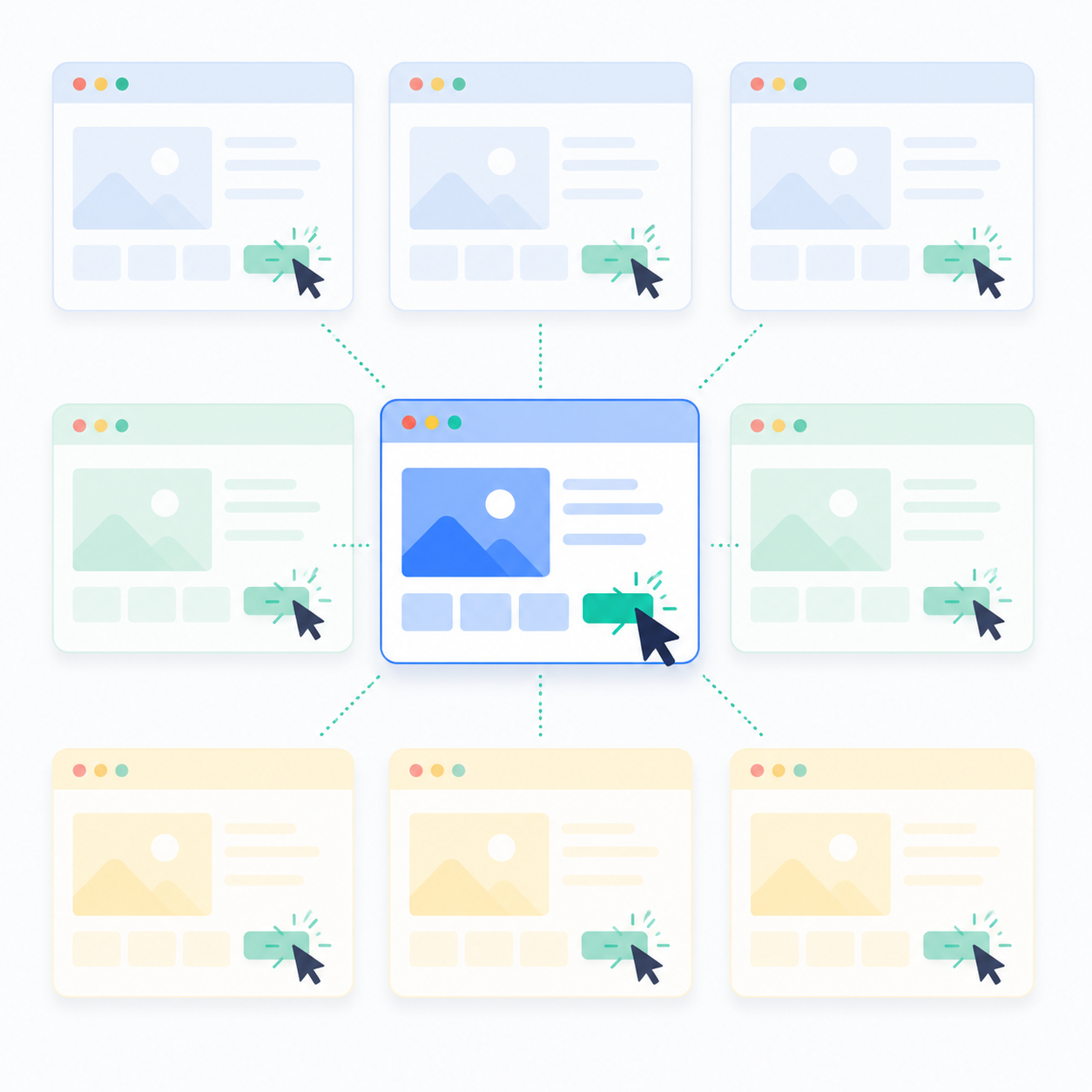
For users who need to perform the same actions across multiple browser instances, NexBrowser's window sync feature is a must. Actions such as opening new tabs, clicking buttons, or entering text in the master browser window are instantly synchronized to all controlled windows.
Tips for Using NexBrowser Window Sync
This means you can sync operations across multiple accounts, saving considerable time and effort, especially in account nurturing, advertising, affiliate marketing, and other multi-account management scenarios.
6. Team Collaboration
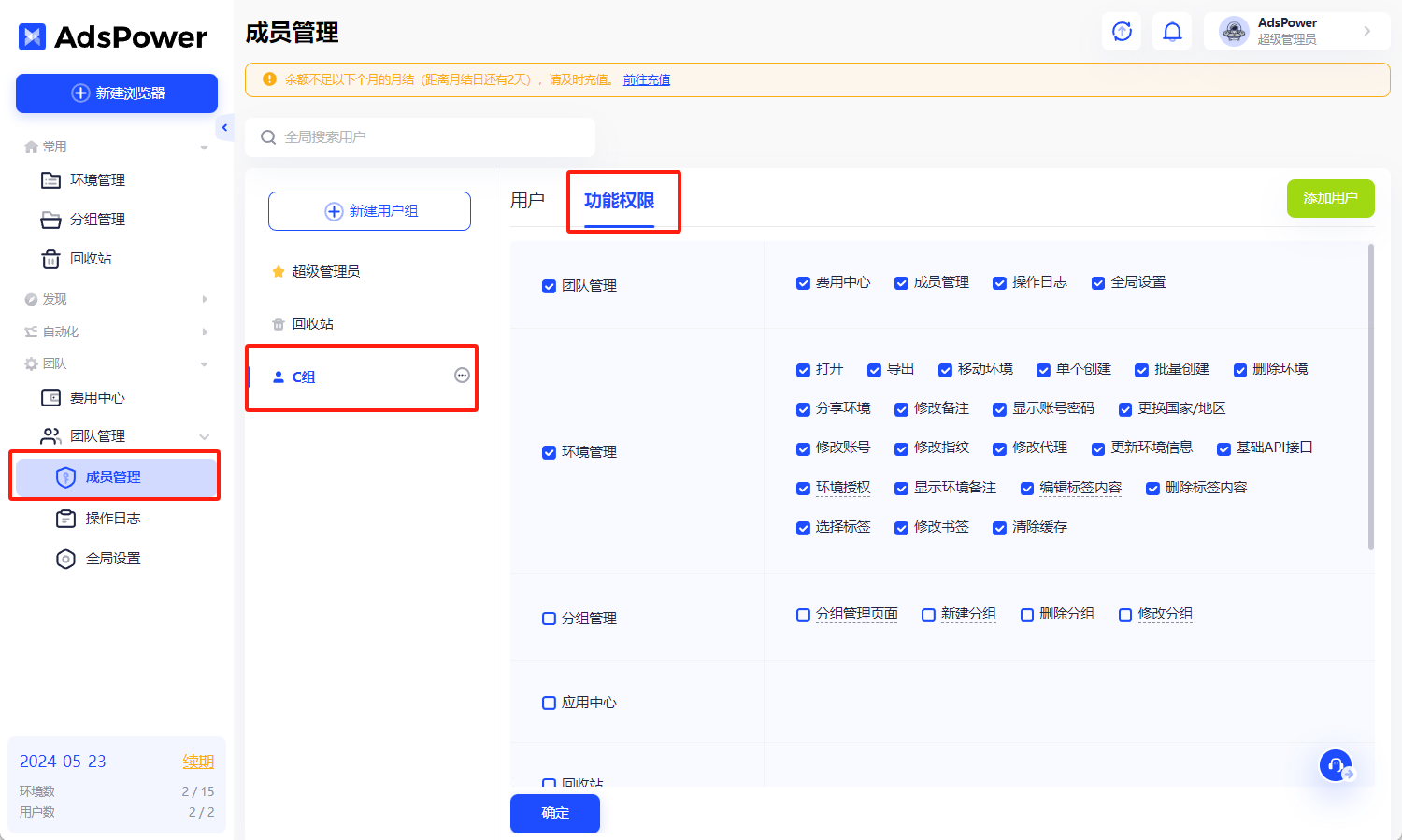
Cross-border e-commerce success relies on teamwork. NexBrowser fingerprint browser provides strong support for team collaboration. You can set up to 40 types of permissions for each team member, ensuring efficient work in a secure environment. With NexBrowser, managing team member permissions becomes easy, guaranteeing data security and operational efficiency. This feature helps you coordinate team efforts and enhance overall operational efficiency.
【NexBrowser】Introduction to "Team Management" Feature
NexBrowser Pricing
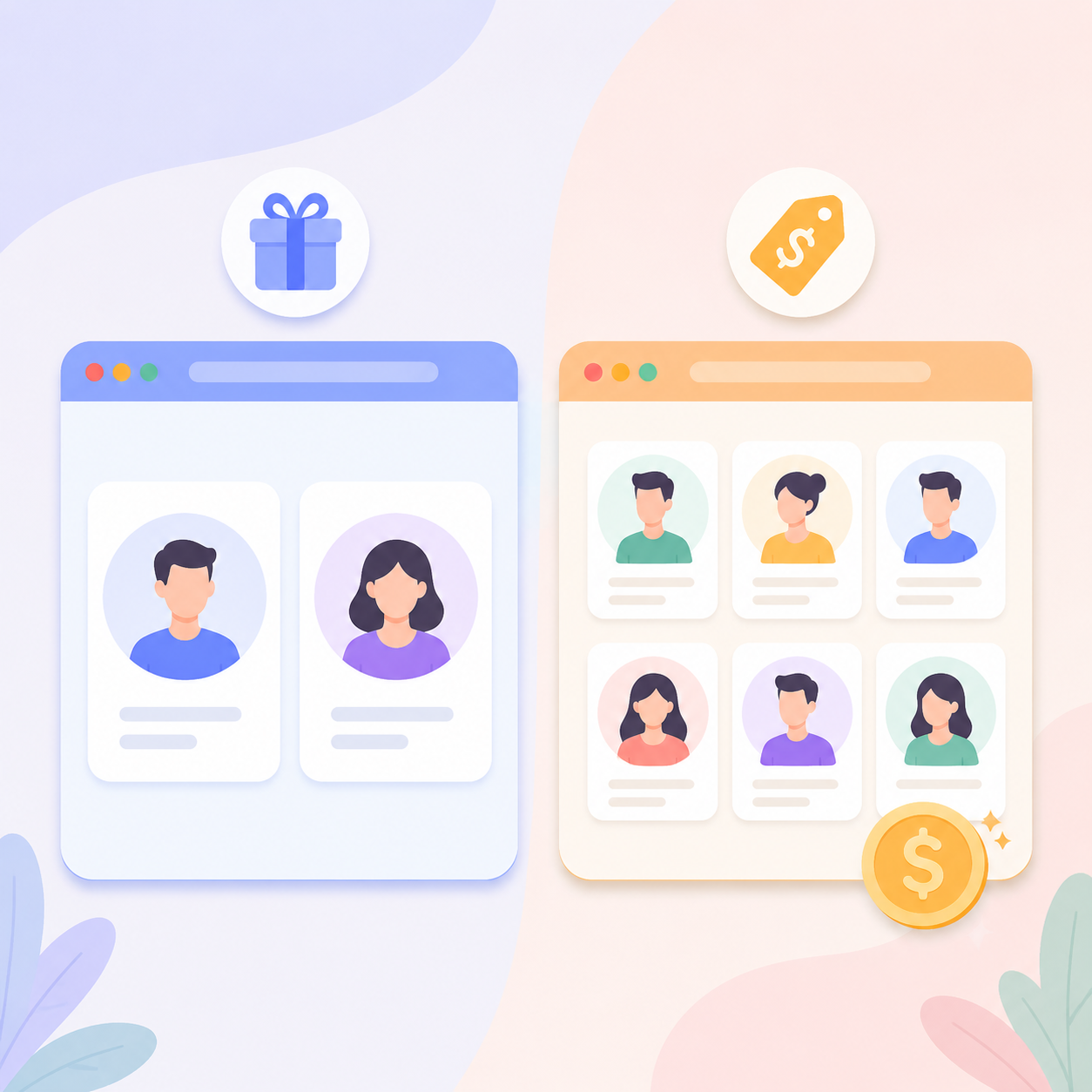
NexBrowser offers flexible pricing plans suitable for users and businesses of all sizes. From a permanent free plan to multiple paid tiers, users can choose the service that best fits their needs and budget.
Permanent Free Plan
For users who want to try NexBrowser fingerprint browser first, the platform offers a permanent free option. You can fully experience its basic features before purchasing—a risk-free trial.
- Create up to 2 browser environments, ideal for solo users
- Dual-core fingerprint browser (Chrome and Firefox)
- Customizable browser fingerprint features
- Window sync support
- RPA robot automation tools
Paid Plans
- Starting at $9 per month, with discounts for annual subscriptions
- Includes 1 user and 10 browser environments. For more environments, choose configurations of 50, 150, 400, or 1000 environments
- Additional users: $5 per added user
Click to view NexBrowser pricing plans
Getting Started with NexBrowser Fingerprint Browser
- Go to the NexBrowser official website and click the "Register" button to create an account.
- Download NexBrowser client, select the appropriate version for your operating system, and log in with your registered account.
If you encounter difficulties while using NexBrowser, refer to our Help Center documentation, which includes FAQs and tutorials.
Alternatively, contact online technical support for quicker resolution.

Summary
NexBrowser fingerprint browser offers exceptional privacy protection and multi-account management for cross-border e-commerce users. With no-code automation and window sync features, you can significantly boost work efficiency. As an essential browser for going global, it excels in security and functionality while offering flexible pricing to suit different needs. You can opt for the free plan to experience its power firsthand. Whether for individual users or enterprise teams, NexBrowser fingerprint browser provides solid support for your cross-border business. Try it now and experience the convenience and security it brings.



Comments(0)